
05/04/2026 Release Notes
In this release, we’ve included one new 1789 pattern under the Informational category for pages only. We will need to turn on patterns for your site if you want to use them. Please send a message to webservices@georgetown.edu and let us know the URLs of the 1789 sites you want to use them on. If you have already turned on patterns for your site, you should be able to add them immediately. Once they are enabled, you will access them via the Patterns section of the block inserter (the blue plus sign in the upper-left corner)  . Note: You will see the following patterns in that section that are now functional – Image Carousel Hero, Section Heading, Expandable Card Collection, Image Carousel, and Interactive Content Pane.
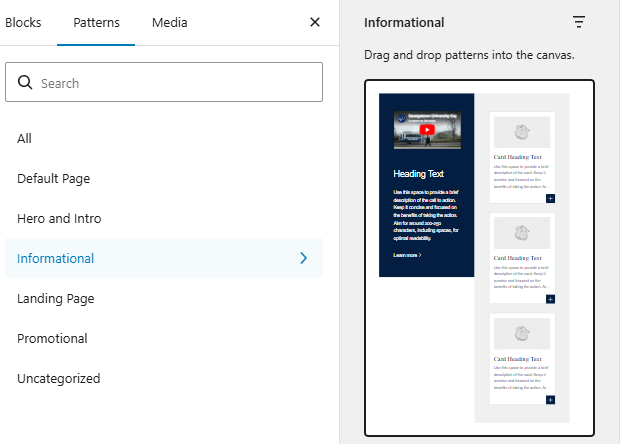
- [New Pattern] Expandable Card Collection: We added a new pattern that allows you to show a large image or video, with descriptors next to a collection of expandable cards. This mimics one of the blocks developed for the Capitol Campus site.
This pattern should only be used on the Homepage and Landing pages for the best presentation (Posts, Post Filter, Parent-Child, and Chaptered are not supported).
Patterns are made up of several blocks nested together. To work with this pattern, we recommend opening up the document overview (the three horizontal lines button in the upper-left corner). This will show you the pattern, and you can expand it to show all of its sub-blocks. We also advise you to open the inspector panel.
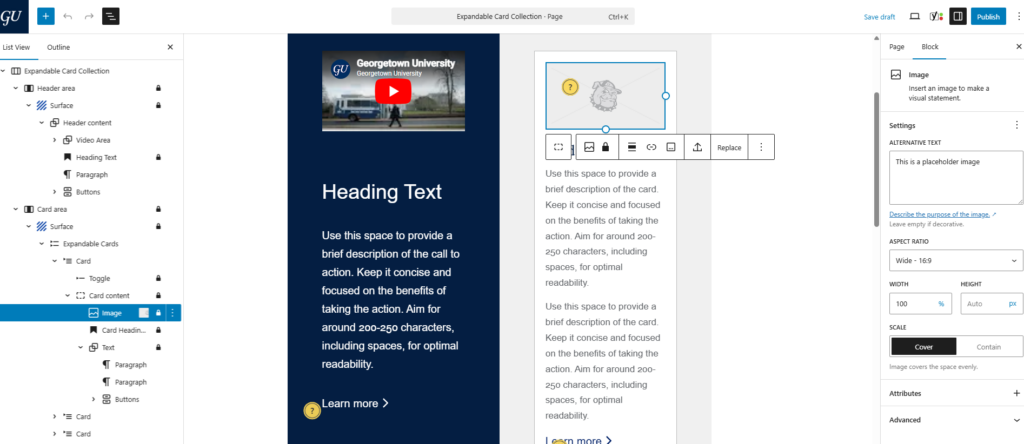
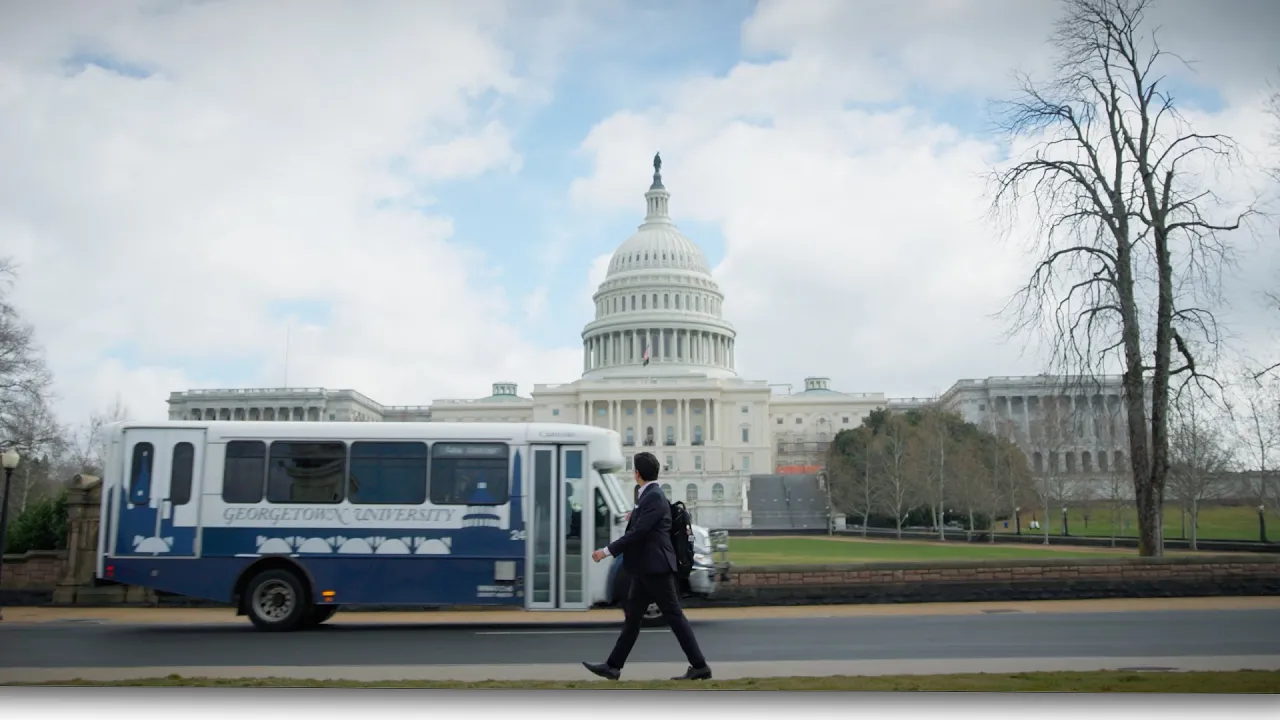
Left Side: A dark blue content area that consists of a space that accepts a YouTube video, or you can replace this with an image. The area also contains Heading and Paragraph sections, as well as an optional CTA. Note: captions will not appear below the image or video
Right Side: A content area that contains 3 cards initially. Each card contains space for an Image, a Heading, Paragraph(s), and a CTA. The cards will only display 4 lines of text, while the rest will be hidden behind the expander. Once the expander is opened, you can see the rest of the text as well as the CTA. To add more cards, please duplicate one of the existing ones. The pattern works best with 3 or more cards included.
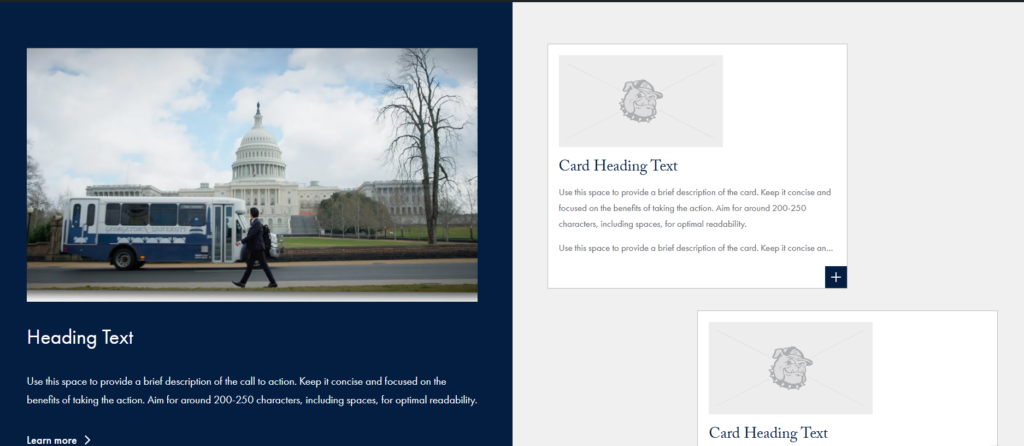
This is how the pattern will look on the front-end before you open any of the cards.
Heading Text
Use this space to provide a brief description of the call to action. Keep it concise and focused on the benefits of taking the action. Aim for around 200-250 characters, including spaces, for optimal readability.

Card Heading Text
Card Heading Text
Card Heading Text
- Tagged
- Release Notes